CloudFront distribution: stop S3 latency now
Serving assets directly from an S3 bucket traps delivery in a single geographic region. That is why a CloudFront distribution is non-negotiable for global performance. The rule is simple: treat S3 buckets as private vaults for storage, and delegate every public-facing request to a CDN edge network. This split keeps content fast and scalable while hiding your storage infrastructure from direct exposure and regional latency spikes.
Andrew Welch warns against direct bucket access because the simplicity is a trap. CloudFront solves this by caching content at edge locations near the user, slashing latency compared to fetching data from a lone S3 bucket origin. The security model relies on S3 buckets staying non-public, granting read access exclusively to the CloudFront distribution via strict permissions.
When a cache entry is missing, the workflow triggers a pull from the origin, populating the CDN edge for subsequent requests. This pattern removes the headache of syncing assets across local, staging, and production environments, a frequent bottleneck in Craft CMS deployments. Teams leverage AWS Glacier for deep archive backups while keeping active assets instantly accessible through a tuned CloudFront distribution.
The Strategic Role of S3 and CloudFront in Modern Asset Architecture
S3 Buckets as Storage Origins Versus CloudFront Edge Caching
Amazon S3 stores files in buckets engineered for durability, not direct user traffic. This design enforces a hard line between origin storage and distribution logic. Serving assets straight from an S3 bucket confines you to one region; the service simply isn't built for low-latency end-user delivery. CloudFront fixes this by sitting as a CDN layer, caching content at edge locations close to the requester. A request hits the edge; if the data is cached, it returns instantly. If not, the system pulls the object from the private S3 origin. This keeps S3 buckets locked down while delivering assets globally with minimal delay.
Some argue direct S3 access simplifies setup. It does, until you need scale. That trade-off sacrifices performance and kills cache-hit benefits. The conflict is clear: fast initial configuration versus the scalability demands of growing datasets. Groups running Craft CMS use this pattern to skip asset syncing across environments while maintaining high availability. Exposing storage endpoints directly also invites accidental data leaks. Shielding them behind a distribution closes that door. This separation is essential for any workflow requiring consistent throughput under shifting loads.
CloudFront URL Workflow for Low Latency Image Delivery
CloudFront slashes latency by serving cached images from edge servers near the user, avoiding round trips to a distant S3 origin for every request.
When a browser requests an asset via a CloudFront URL, the edge location checks its local cache first. If the file exists, it returns instantly with low latency. On a cache miss, CloudFront retrieves the object from the S3 bucket, sends it to the user, and propagates it to other CDN Edge locations. This structure accelerates delivery and reduces origin load. Direct S3 access fails here because buckets serve from a single region, creating high latency for global audiences.
| Feature | Direct S3 Access | CloudFront Integration |
|---|---|---|
| Geographic Scope | Single Region | Global Edge Network |
| Latency | High for distant users | Low via edge caching |
| Security Model | Public bucket required | Private bucket supported |
Keeping S3 buckets private creates a dependency: the origin must remain available during cache misses or propagation events. Edge caching handles steady traffic, but unique requests still hit the storage layer. Organizations needing strict cost control and predictable performance can find S3-compatible storage options that integrate well with this edge-caching workflow to optimize egress expenses.
Geographic Limitations of Direct S3 Access Without CDN
Serving assets directly from an S3 bucket limits delivery to a single geographic region, creating unavoidable latency for global users. S3 buckets act as persistent storage origins, not low-latency distribution endpoints. Every request travels across the network to that one specific data center when a CMS serves images directly, regardless of user location. This approach contradicts the serverless content hosting model built for scalable web performance.
Exposing buckets to handle direct traffic also violates the principle that S3 buckets should stay private. The correct pattern assigns public-facing duties to a CDN edge network while keeping the origin sealed. This separation prevents accidental data exposure and ensures consistent read speeds. Direct access skips edge caching benefits, forcing the origin to process redundant requests. The storage system handles all traffic directly without an intermediate cache layer. Regional constraints directly impact site availability under this design choice. Operators must avoid treating object storage as a web server to maintain both security posture and responsive user experiences.
Architecting Secure Access Through IAM Policies and Private Buckets
Defining Least-Privilege IAM Policies for S3
Custom Identity and Access Management (IAM) policies replace broad administrative rights with fine-grained permissions. Granting minimal access maintains functionality for asset delivery systems while preventing accidental public exposure of private origin buckets. Operators define specific JSON actions to limit scope effectively. The policy pairs read-only commands like `s3:GetBucketLocation` with broad object manipulation via `s3:*` restricted to specific ARNs. Users must replace the placeholder `REPLACE-WITH-BUCKET-NAME` with their actual bucket identifier, such as devmode-bucket, in two distinct resource statements.
| Policy Component | Function | Scope |
|---|---|---|
| `acm:ListCertificates` | Validates SSL/TLS assets | Global |
| `s3:ListBucket` | Enumerates container contents | Bucket-level |
| `s3:*` | Performs all object operations | Object-level |
Attaching the devmode-policy to a group allows administrators to manage permissions centrally. Removing a developer from the group immediately revokes storage access without editing the policy document itself. This structural choice isolates permission logic from user lifecycle management. High regulatory risk scenarios benefit from this pattern because data leakage consequences are severe. Initial configuration takes longer than using managed presets, yet the security posture improves notably. Programmatic access keys generated for these users enable secure integration with content management systems without console login capabilities.
Implementing Programmatic Users via IAM Groups
Policies attached to IAM Groups rather than individual users create a scalable permission model that survives credential rotation. This architectural choice separates identity from authorization, allowing operators to revoke compromised keys by creating new users without rewriting JSON policies. The configuration process requires strict adherence to access type limitations:
- Navigate to Services → IAM → Users → Add user.
- Enter a generic name like devmode-user and select only the Programmatic access checkbox.
- Skip the AWS Management Console option to prevent interactive login capabilities for this service account.
- Assign the user to the previously created group containing the devmode-policy.
- Download the resulting CSV file containing the Access key ID and Secret access key immediately.
Application credentials possess no interactive console footprint, which reduces the attack surface for human-error incidents. Operators must treat the downloaded CSV as a single-use artifact because the Secret access key disappears from the interface permanently after this view.
| Feature | User-Level Policy | Group-Level Policy |
|---|---|---|
| Revocation Speed | Slow (manual edits) | Instant (group removal) |
| Policy Count | High (1 per user) | Low (1 per role) |
| Audit Clarity | Low (scattered permissions) | High (centralized logic) |
AI/ML training pipelines apply this group-centric approach when temporary compute nodes require identical, ephemeral access to storage buckets. Failing to restrict the Access type to programmatic-only leaves the account with unnecessary console login capabilities during initial setup. Enforcing this constraint ensures that leaked long-term keys cannot help attackers apply the familiar web interface to modify bucket configurations or delete data versions.
Risks of Losing One-Time S3 Access Credentials
Clicking Download.csv represents the single opportunity to retrieve generated secrets before the system permanently discards them. Operators cannot recover the original secret key if these credentials vanish and must generate a fresh identity. Replacing a lost key requires re-attaching necessary permissions to the new user identity, creating immediate operational risk for ungrouped users. Attaching permissions to an IAM Group instead of individual users mitigates this fragility by decoupling authorization from identity. Administrators simply create a new user and assign it to the existing group when credential loss occurs, instantly restoring access without policy reconstruction. Service accounts function as ephemeral objects rather than static configurations under this model. Human error during initial setup remains a frequent failure mode in production environments despite arguments that meticulous secret management tools eliminate this risk. The cost of this redundancy is minimal compared to the downtime associated with reconstructing complex permission sets during an incident. Object storage services with similar key-based authentication face identical credential permanence constraints. Losing a key results in a routine rotation task rather than a configuration crisis when organizations adopt group-based assignment.
Executing the Integration of S3 Origins with CloudFront Distributions
CloudFront Origin Access Identity (OAI) Definition
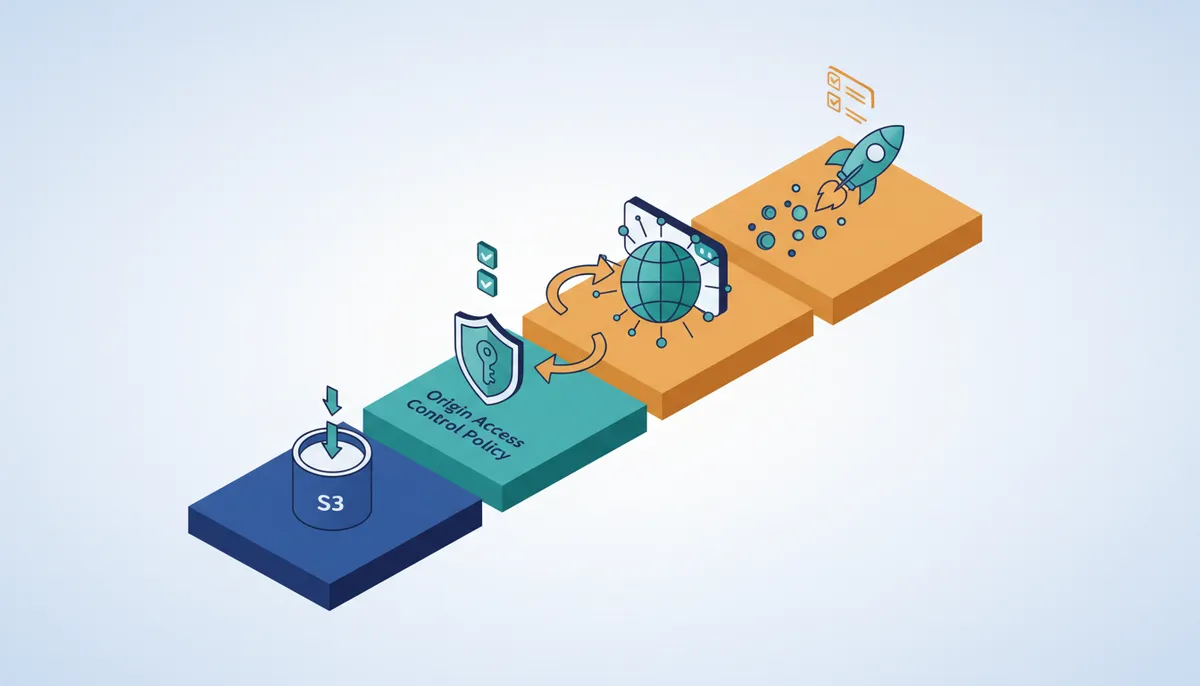
An Origin Access Identity acts as a specialized CloudFront user that grants private S3 bucket access without exposing storage to the public internet. Direct public access creates security gaps where assets leak if bucket policies misconfigure, so architects bypass this risk by implementing strict private bucket settings. The mechanism requires selecting Yes use OAI during distribution creation, which generates a unique identity CloudFront uses to fetch objects. This configuration forces the bucket to block all public traffic while granting read permissions exclusively to the CDN edge nodes.
- Navigate to Services → CloudFront → Create Distribution in the AWS Console.
- Set S3 bucket access to Yes use OAI and create a new identity name.
- Update the bucket policy automatically to trust only this specific CloudFront identity.
Increased configuration complexity is the price of this architecture compared to simple public buckets, as operators must manage IAM trust relationships correctly. A failure to update the bucket policy leaves the distribution unable to retrieve assets, resulting in 403 errors for end users. This pattern is recommended for any production CMS to prevent accidental data exposure while maintaining high-availability. This approach ensures that even if the S 3 bucket access URL is discovered, unauthorized parties cannot retrieve content without the CloudFront signature.
Configuring S3 Bucket Naming and Permissions for CloudFront
Name the storage unit `devmode-bucket` using kebab-case conventions to satisfy DNS requirements for origin domains. Operators navigate to Services → S3 → + Create Bucket within the AWS Console to initialize this private repository. The configuration mandates selecting "Block all public access" because the CloudFront distribution handles public exposure while the backend remains sealed. This separation prevents accidental data leaks that occur when storage endpoints accept direct internet traffic.
Most projects benefit from creating a single bucket and using sub-folders for distinct asset volumes. This method simplifies policy management and aligns with standard practices for organizing Asset Volumes.
- Enter the bucket name adhering to the `project-name + - + descriptor` format.
- Verify Permissions explicitly state "Block all public access" before proceeding.
- Leave remaining settings at their default values to maintain a minimal attack surface.
Any application component requiring direct write access must possess valid IAM credentials under this strict privacy model, preventing simple HTTP uploads. Architects must balance the security of a closed bucket against the operational complexity of managing access keys for non-CDN services. Failure to align these permissions results in 403 Forbidden errors when the CDN attempts to fetch assets. Properly configured, this setup ensures that only the CDN edge nodes can retrieve content, effectively hiding the storage layer from public view while maintaining high-availability.
CloudFront Distribution Settings Checklist for S3 Origins
Select Compress object automatically as Yes to enable gzip compression at the edge for text-based assets. This setting reduces bandwidth costs while offloading CPU cycles from your origin servers. Operators must explicitly choose Redirect HTTP to HTTPS within the Viewer Protocol Policy to enforce encryption in transit. Enforcing HTTPS ensures that data remains encrypted while in transit between the user and the edge server. The configuration requires selecting specific HTTP methods based on the application's needs, such as GET and HEAD for standard asset delivery.
Restricting methods to only GET and HEAD is standard for static asset delivery, though interactive features may require additional methods like PUT or POST. The following table compares secure versus insecure method configurations:
| Setting | Secure Configuration | Risky Configuration |
|---|---|---|
| Compression | Yes | No |
| Protocol | Redirect HTTP to HTTPS | HTTP and HTTPS |
| Methods | GET, HEAD | GET, HEAD, PUT, POST |
Pairing these flags with an optimized cache policy helps balance latency and freshness. A frequent deployment error involves allowing all HTTP methods without restricting the S3 bucket access to a specific Origin Access Identity. This mismatch causes CloudFront to return 403 Forbidden errors when attempting to pull content from the private bucket. The system design ensures that only the CDN edge nodes possess the credentials to read from storage.
Enabling unnecessary HTTP verbs can expand the attack surface if the underlying application logic does not validate input strictly.
Deploying CMS Asset Volumes for Scalable Content Delivery
Craft CMS Environment Variables for S3 Secrets
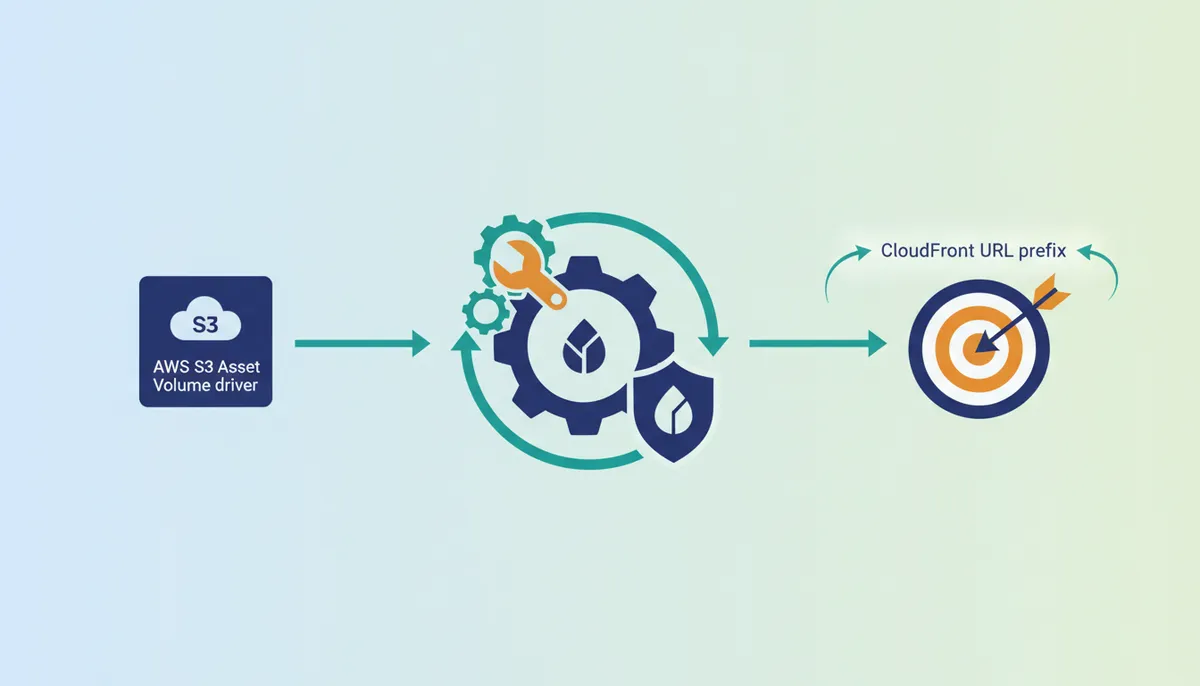
Placing `S3_KEY_ID` and `S3_SECRET` values inside the `.env` file stops private credentials from appearing in version control systems. Sensitive access keys stay out of databases and Git repositories, which lowers the risk of leakage during collaborative work. Operators define specific variables like `S3BUCKET`, `S3REGION`, and `CLOUDFRONTURL` to dynamically configure the Amazon S3 plugin without hardcoding paths. A common configuration maps the `devmode-bucket` name and `us-east-1` region directly to these environment strings for flexible deployment across stages.
The Craft CMS CP reads these variables at runtime to establish secure connections. Setting Make Uploads Public to OFF forces all asset requests through the assigned CloudFront distribution rather than exposing the storage bucket directly. This architecture keeps the origin private while serving content globally.
Complexity arises if teams lack a unified secret management strategy. Every required environment variable must exist for successful deployment across different environments. Infrastructure as code requires the environment scaffold alongside application logic.
Navigating to Settings → Assets → New volume in the Craft CMS CP binds local media libraries to remote storage securely. Operators set the Bucket field to Manual so the system reads environment variables instead of hardcoded strings. This isolation keeps credentials like `S3_KEY_ID` out of the database layer. Accidental exposure of private keys becomes impossible while deployment remains flexible across dev, staging, and production environments.
Disabling the Make Uploads Public toggle is mandatory because enabling it applies a manual ACL on S 3 assets for public access. Such action contradicts the architectural goal of private storage. The bucket retains its default deny policy when this setting remains off. All user requests route through the authorized CloudFront distribution instead of exposing the origin directly. Operators sacrifice direct S3 URL access to gain global edge caching and reduced latency.
| Setting | Value | Purpose |
|---|---|---|
| Bucket Source | Manual | Enables environment variable injection |
| Public Access | OFF | Enforces CloudFront-only retrieval |
| Region | Variable | Matches `S3_REGION` in `.env` |
Traffic flows through the CDN when the bucket remains private. Bandwidth costs drop and geo-distributed performance stays consistent. Adopting this strict manual configuration aligns with best practices for using CloudFront for global asset delivery. Applications controlling data access patterns require this.
Preventing Public ACL Conflicts in S3 Asset Volumes
Disabling the Make Uploads Public toggle stops S 3 from applying manual ACLs that bypass CloudFront caching layers. Enabling this setting forces the bucket to serve assets directly. High-latency requests hit the origin while edge delivery benefits vanish. The Craft CMS CP requires this option to remain off so that Amazon S3 buckets maintain their default deny policy while CloudFront pulls content securely. Operators manually add subfolders like episodes within the bucket structure rather than relying on public ACLs for organization. Traffic flows through the CDN, preserving bandwidth costs and maintaining consistent geo-distributed performance. A misconfigured public ACL renders the CDN layer useless by directing client requests straight to the storage region. Regular validation of bucket policies confirms no stray public permissions exist outside the intended configuration. Direct storage access limits delivery to a single geographic region and was not designed for serving assets at scale. CloudFront provides low latency via edge servers. Properly scoped IAM policies combined with private buckets create a defensible perimeter for media assets.
About
Alex Kumar is a Senior Platform Engineer and Infrastructure Architect at Rabata.io, where he specializes in Kubernetes storage architecture and cloud-native cost optimization. His daily work designing persistent storage solutions and managing disaster recovery strategies makes him uniquely qualified to discuss CloudFront distributions and object storage integration. At Rabata.io, an S3-compatible storage provider, Alex helps enterprises migrate from expensive AWS S3 setups while maintaining full API compatibility. This article's focus on configuring CDNs with S3 buckets directly mirrors his experience helping clients decouple compute from storage to improve performance and reduce egress fees. By using his deep understanding of infrastructure-as-code and multi-cloud strategies, Alex provides practical guidance on optimizing asset delivery. His insights bridge the gap between theoretical CDN benefits and real-world implementation, ensuring developers can achieve scalable, high-speed content delivery without vendor lock-in or excessive costs.
Conclusion
Scaling this architecture reveals that manual bucket sourcing becomes the critical failure point when environment drift occurs across stages. If the `S3_REGION` variable diverges from the actual bucket location, latency spikes immediately as requests fail over or retry unnecessarily. The operational cost here is not merely bandwidth but the compounding time spent debugging permission errors that stem from inconsistent environment mapping. You must enforce a strict dependency where the CloudFront distribution configuration validates the `S3BUCKET` and `S3REGION` variables before deployment proceeds. This prevents the silent degradation of performance when infrastructure-as-code templates are applied without verifying current state alignment.
Implement a pre-deployment check this week that asserts the `CLOUDFRONTURL` points exclusively to a distribution with a private origin. Do not allow any pipeline stage to promote code if the target bucket has public access enabled. This specific guardrail ensures that the edge caching layer remains the single entry point for all asset requests. By tying the deployment success criteria to the privacy status of the storage bucket, you eliminate the risk of accidental direct access bypassing your CDN. Secure your media delivery by ensuring the Make Uploads Public toggle remains disabled while verifying that your environment variables correctly map to the private bucket configuration.
Frequently Asked Questions
Direct access limits delivery to one geographic region, causing high latency for distant users. Serving files this way fails to leverage the global edge network that reduces load times significantly.
The system pulls the missing object from your private S3 origin before sending it to the user. This process ensures edge locations propagate the file for future requests automatically.
Exposing storage endpoints directly increases the risk of accidental data leaks compared to shielded distributions. Keeping buckets private ensures only the CDN can access your stored asset files.
Teams skip syncing assets across local, staging, and production environments by using a central cloud origin. This approach allows developers to access the same a large number test file instantly.
Organizations can leverage AWS Glacier for long-term backups while maintaining high-speed access to active assets. This strategy keeps your primary storage durable without sacrificing delivery performance.
References
