S3 versioning cuts recovery time, not just storage costs
Amazon S3 delivers 99.999999999% durability across facilities, yet copying files without a plan invites cost complexity. Simply dumping data to the cloud is not a strategy; effective protection requires deliberate architecture that addresses retention, replication, and recovery testing. Readers will learn how S3 versioning and lifecycle policies prevent data loss while managing the tradeoffs of storage costs. The guide details the flow of backup pipelines from application servers and Kubernetes volumes through tools like Restic into primary and disaster recovery regions. It also examines the mechanics of cross-region replication to ensure data survives regional outages without manual intervention.
The discussion extends to building automated pipelines using the AWS CLI to enforce encryption and block public access by default. Ignoring these architectural patterns leaves organizations vulnerable to unexpected bills and unrecoverable data states.
The Role of S3 Versioning and Lifecycle Policies in Data Protection
How S3 Versioning Preserves Every Object Modification
S3 versioning maintains every modification to an object, enabling precise point-in-time recovery without manual file renaming. When enabled, the system assigns a unique version ID to every upload, effectively turning the bucket into a permanent system of record for configuration files that change frequently system of record. This mechanism supports individual object files up to a substantial size in size, ensuring large database dumps remain recoverable. Operators can list all historical states and restore a specific version ID even after accidental overwrites or deletions. The primary benefit is immediate data availability during corruption events, yet the operational cost is linear storage growth if left unmanaged. Unlike static archives, this approach captures the entire evolution of a dataset rather than just the final state.
| Feature | Capability |
|---|---|
| Max Object Size | Large-scale capacity |
| Recovery Target | Specific Version ID |
| Durability | 99.999999999% |
The hidden tension lies between data safety and storage economics; preserving every iteration guarantees recovery options but requires strict lifecycle policies to prevent bill shock.rabata.io solves this by combining granular version controls with automated tiering, ensuring enterprises retain full forensic history without paying premium rates for cold data. Effective strategies treat versioning as a temporary safety net rather than a permanent archive, moving aged variants to cheaper tiers automatically.
Automating Storage Transitions with S3 Lifecycle Policies
S3 Lifecycle policies automate storage class transitions to manage costs by moving data with prefix 'daily/' to STANDARD_IA after 30 days. Operators define rules that shift objects from expensive hot storage to cheaper tiers as access frequency declines. A typical configuration moves daily backups to infrequent access after one month, then to Glacier Flexible Retrieval after 90 days. This automation prevents manual errors while enforcing retention schedules. The system also expires non-current versions after 365 days, ensuring versioning does not indefinitely accumulate storage charges.
| Storage Class | Transition Time | Use Case | Cost Context |
|---|---|---|---|
| S3 Standard | Day 0 | Active backups | Highest tier |
| STANDARD_IA | Day 30 | Monthly audits | Reduced rate |
| Glacier | Day 90 | Compliance archive | Lowest cost |
While S3 Intelligent-Tiering offers automatic movement based on usage, fixed lifecycle rules provide predictable billing for known retention windows. The trade-off is rigid timing; data moved to Glacier incurs retrieval delays and fees if accessed prematurely.rabata.io uses these native mechanisms to ensure enterprise clients maintain strict cost controls without sacrificing the 11 nines of durability inherent to the platform. Failure to expire old versions creates a hidden liability where deleted data continues to accrue costs indefinitely. Strategic application of these policies transforms static storage into a flexible, cost-optimized asset.
The Cost Complexity Risk of Unmanaged S3 Versioning
Unmanaged S3 versioning creates cost complexity where bills grow unexpectedly without proper policies. The default behavior stores every modification in the S3 Standard tier, which carries a premium price compared to archival options designed for long-term retention.
Without lifecycle automation, data remains in expensive tiers indefinitely rather than moving to S3 Standard-IA or the lowest-cost S3 Glacier Deep Archive class. The financial impact compounds when non-current versions accumulate alongside active data, effectively doubling storage costs for static datasets. The trade-off for high-availability is financial discipline; without it, the cost per GB escalates linearly with every backup cycle. Operators must balance immediate access requirements against the economic reality of storing petabytes of immutable data. Failure to tier data results in paying $0.023 per GB for content that rarely requires instant retrieval. Strategic policy application ensures durability does not come at the expense of operational efficiency.
Inside S3 Backup Architecture and Cross-Region Replication Flows
S3 Cross-Region Replication Architecture and IAM Dependencies
Replication moves backup copies to a separate region for disaster recovery. This flow transfers data from a S3 Primary Region source bucket to a assigned S3 DR Region target, establishing a geographically distinct safeguard. Versioning is required on the destination bucket before any objects can transfer. The service cannot track object mutations or deletions across the distributed system without this configuration.
The IAM role acting as the replication agent must explicitly allow `sts:AssumeRole` for the `s3.amazonaws.com` service principal. Permissions must cover `s3:ReplicateObject` and `s3:ReplicateDelete` actions to maintain parity between sites. Operators relying on object versioning as a system of record find this dependency ensures historical fidelity during failover events.
| Component | Requirement | Purpose |
|---|---|---|
| Destination Bucket | Versioning Enabled | Tracks object iterations |
| IAM Principal | `sts:AssumeRole` | Authorizes service access |
| Action Set | `ReplicateDelete` | Mirrors removal operations |
Architects design these flows to guarantee business continuity while maintaining strict access controls. Operational tension exists between immediate consistency needs and the latency inherent in cross-region data movement. S3 storage classes are designed to sustain data even in the event of the loss of an entire Amazon S3 Availability Zone, providing durability against facility failures.
Data Flow Patterns from Kubernetes Volumes to S3 Glacier
Data travels from Kubernetes Volumes through Velero or Restic pipelines into S3 Standard before tiering downward. This progression moves fresh backups from high-performance tiers to cold storage automatically. Application Servers and Databases feed this pipeline, populating the primary region first. As data ages, lifecycle policies shift objects to S3 Standard-IA, which is designed for infrequent access. The final transition moves aged archives to S3 Glacier, where costs drop notably compared to standard tiers.
These storage classes sustain data even during the loss of an entire Amazon S3 Availability Zone, ensuring durability against facility failures. Aggressive tiering to S3 Glacier Deep Archive introduces retrieval latency that conflicts with strict recovery time objectives. Operators must balance the low monthly rate against the potential 12-to-48-hour wait for restoration. Relying on deep archive for active disaster recovery plans creates a critical bottleneck during incident response due to these retrieval times. Cost savings from cold storage can be offset by unexpected retrieval fees without careful policy design.
Configuring DeleteMarkerReplication and Storage Class Overrides
Enable DeleteMarkerReplication to synchronize deletion events across regions. This setting ensures that when an object is deleted in the source, the deletion is reflected in the destination, maintaining consistency between sites. Operators must verify that IAM permissions explicitly include `s3:ReplicateDelete` actions to propagate these markers successfully.
Set the destination StorageClass to `STANDARD_IA` to optimize costs for replicated data. This class targets infrequent access patterns while maintaining instant retrieval capabilities for emergency restores. S3 Standard-IA implies a distinct cost structure compared to standard storage, reducing monthly bills for standby replicas.
| Configuration Key | Required Value | Operational Impact |
|---|---|---|
| DeleteMarkerReplication | Enabled | Synchronizes deletion events |
| Destination Class | STANDARD_IA | Lowers DR storage costs |
| Versioning Status | Enabled | Mandatory for replication flow |
Validating these parameters before initiating large-scale transfers helps avoid configuration issues. Addressing these settings early ensures that cross-region replication flows smoothly from the Backup Pipeline to the S3 DR Region. Strict adherence to permission scopes is necessary; overly broad policies introduce security risks while narrow ones break the replication chain.
Implementing Automated Backup Pipelines with AWS CLI and Restic
Restic Encryption and Deduplication Mechanics for S3
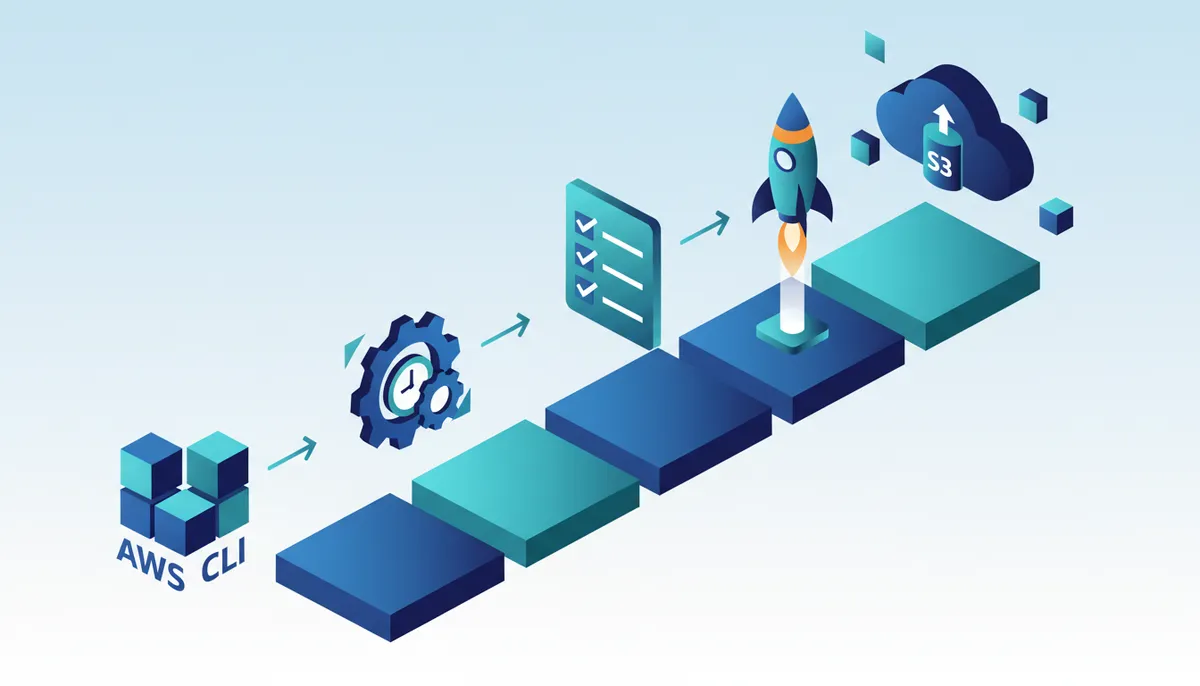
Restic applies client-side encryption and deduplication before any data leaves the host. This process transforms raw backups into secure, space-efficient objects stored as discrete units within logical buckets.
- Repository Initialization: Define the target S3 location using the canonical name company-backups-prod and set a password file path.
- Data Chunking: The tool splits files into variable-sized chunks, hashing each to detect duplicates across the entire dataset.
- Encryption Layer: Every chunk receives AES-256 encryption locally, ensuring the cloud provider sees only opaque blobs.
- Upload Phase: Encrypted packets upload to the us-east-1 region, where S3 bucket names must remain globally unique.
This architecture means the storage backend cannot decrypt content without the local key file. However, lost password files render the encrypted repository permanently unreadable, creating a single point of failure distinct from the storage layer.
Building Strong AWS CLI Backup Scripts with pg_dump.
Production backup pipelines start with `set -euo pipefail` to halt execution on any command failure, preventing partial data uploads. This strict error handling ensures that a network glitch or disk full event does not corrupt the backup chain with incomplete objects.
- Define immutable variables for the target bucket and a prefix derived from the server hostname to maintain logical separation.
- Execute `pg_dump` with flags `-h localhost -U appuser -d appdb -F c` to generate a custom-format database snapshot locally.
- Upload the archive to S3 while attaching metadata tags like `backup-date` and `hostname` for granular audit trails.
- Create a `LATEST` marker file to signal successful completion to downstream monitoring systems.
Secure the destination by enabling versioning to maintain a complete system of record for configuration files. This capability preserves historical object variants, ensuring that accidental overwrites never result in permanent data loss. Operators must also activate AES256 encryption to protect data at rest without managing complex key infrastructures. Blocking all public access vectors remains the single most critical step to prevent unauthorized exposure of sensitive backup archives.
- Set `Status=Enabled` on the versioning configuration to track all object mutations.
- Apply server-side encryption rules using the AES256 algorithm for automatic data protection.
- Enable `BlockPublicAcls`, `IgnorePublicAcls`, `BlockPublicPolicy`, and `RestrictPublicBuckets` to true.
- Validate bucket naming uses only lowercase letters, numbers, and hyphens to ensure compatibility.
| Configuration | Setting Value | Security Impact |
|---|---|---|
| Versioning | Enabled | Prevents data loss |
| Encryption | AES256 | Protects data at rest |
| Public Access | Blocked | Eliminates exposure risk |
| Naming | Lowercase/Hyphen | Ensures global uniqueness |
Rabata.io recommends this strict baseline before any data ingestion begins. Neglecting these settings exposes organizations to ransomware that targets unversioned storage buckets. The cost of remediation after a breach far exceeds the minimal effort required for initial hardening.
Strategic Selection of Backup Tools and Storage Tiers for Cost Optimization
S3 Storage Class Retrieval Times and Cost Tiers
Choosing the right storage class defines your recovery time objective and monthly expenditure. Infrequent workloads benefit from S3 Standard-IA, which retains instant access while lowering costs to $0.0125 per GB for data kept over 30 days. Deep archival needs shift to S3 Glacie r Deep Archive, where retrieval windows extend between 12 to 48 hours but prices drop notably to $0.00099 per GB. Critical backups should stay in Standard or Standard-IA for fast recovery based on recovery time objectives (RTO). Retaining years of compliance data in standard storage creates unnecessary costs if access patterns go unmonitored. Intelligent lifecycle policies automate these transitions so data resides in the most economical tier appropriate for its age. A real backup strategy must consider retention, replication, cost optimization, and recovery testing rather than simply copying files to.
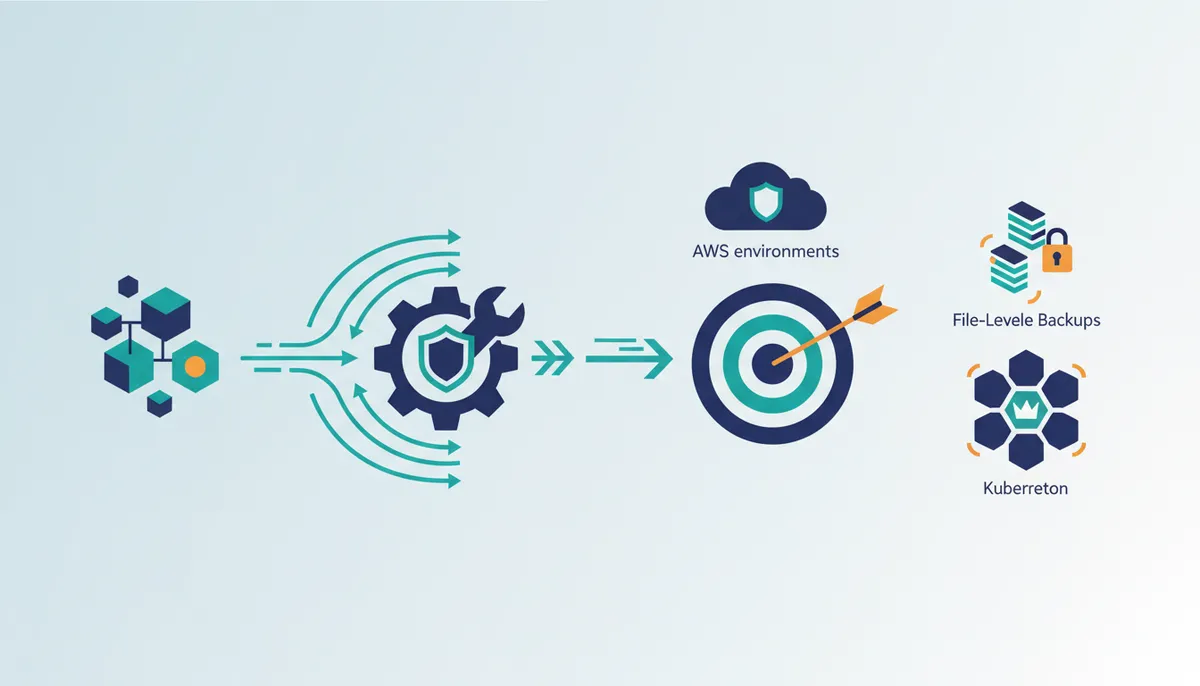
Aligning RTO Targets with S3 Standard and Glacier Flexible Retrieval
Recovery Time Objectives dictate whether backups reside in S3 Standard or transition to archival tiers like S3 Glacier Flexible Retrieval. Critical systems requiring immediate restoration must remain in Standard or Standard-IA classes to guarantee instant access during outages. Historical data satisfying compliance mandates can use asynchronous retrievals ranging from minutes to 12 hours. This distinction allows organizations to archive older snapshots while maintaining aggressive RTOs for recent restore points. Misaligned tiering results in delays when restoring from cold storage because retrieval times vary notably by class. The cost benefit of deep archiving appears when retrieval windows align with non-critical recovery scenarios. Operators must configure lifecycle policies that explicitly match storage classes to set recovery windows. Distinct classes offer granular control yet not all archives are equally accessible. A restore operation requiring hours of wait time may not suit immediate disaster recovery needs.
Restic vs Velero: Tool Selection for Kubernetes and File-Based Backups
Restic excels at file-level backup automation for stateful servers, whereas Velero manages cluster-wide state and persistent volumes natively. Selecting the correct tool determines how effectively workloads use S3 lifecycle policies for cost reduction. Both tools use S3 as a destination, but their integration methods differ based on the environment. S3 Analytics provides visibility into object access patterns and storage class distribution, enabling data-driven decisions to identify cost optimization opportunities regardless of the backup tool used. Understanding these patterns helps prevent costs from expanding unexpectedly. Velero offers a distinct advantage for Kubernetes environments by bundling resource definitions with volume data, ensuring consistency during recovery. The optimal choice depends on whether the workload requires orchestration awareness or raw throughput efficiency.
About
Alex Kumar is a Senior Platform Engineer and Infrastructure Architect at Rabata.io, where he specializes in Kubernetes storage architecture and disaster recovery strategies. His daily work designing resilient, cost-effective storage solutions for cloud-native applications directly informs this deep dive into S3 backup strategies. Having architected systems that demand rigorous retention policies and recovery testing, Alex understands that simply copying files to object storage is insufficient. At Rabata.io, an S3-compatible storage provider focused on eliminating vendor lock-in, he helps enterprises avoid the "cost complexity" often associated with traditional cloud backups. This article translates his hands-on experience with CSI drivers and infrastructure-as-code into actionable patterns for building reliable backup systems. By using Rabata.io's high-performance, GDPR-compliant infrastructure, Alex demonstrates how organizations can achieve superior durability without the hidden egress fees or complex tiering structures that plague other providers, ensuring your backup strategy remains both reliable and financially sustainable.
Conclusion
Scaling backup architectures reveals that manual tiering collapses under the weight of data volume, turning storage into a static cost center rather than a flexible asset. The operational burden shifts from mere capacity planning to managing complex retrieval latencies that can stall recovery efforts. Organizations must implement automated lifecycle rules immediately if their current process relies on human intervention to move data after 30 or 90 days. Waiting for quarterly reviews to adjust storage classes guarantees paying premium rates for dormant data. The real risk overspending but failing to align retrieval times with actual recovery needs during an incident.
Start by auditing your current bucket access patterns this week to identify objects sitting in expensive tiers despite zero recent reads. Use these findings to draft a policy that moves non-critical data to colder storage automatically. This fundamental step prepares your environment for advanced integration with AI-powered operating systems that predict access trends and adjust storage placement dynamically. While new features like S3 Express bucket offer performance gains, they require disciplined data placement to be cost-effective.rabata.io helps teams design these automated workflows to ensure your backup strategy evolves from simple duplication to intelligent data management. Deploying strict automation now prevents the compounding costs of unmanaged growth.
Frequently Asked Questions
This capacity ensures that even large database dumps remain fully recoverable without requiring complex file splitting or manual concatenation during restoration efforts.
Storing active backups in S3 Standard costs $0.023 per GB monthly. Ignoring lifecycle policies means paying this premium rate for cold data that rarely requires instant access, leading to unnecessary storage expenses.
Moving data to S3 Standard-IA reduces the rate to $0.0125 per GB. This transition automates cost optimization for monthly audits while maintaining instant retrieval capabilities for your less frequently accessed backup files.
S3 Glacier Deep Archive offers the lowest rate at $0.00099 per GB. This tier suits compliance archives where retrieval can wait 12 to 48 hours, maximizing savings for data you rarely need.
Amazon S3 delivers 99.999999999% durability across multiple facilities. This high level of protection ensures your backup data survives hardware failures or facility losses without requiring manual intervention from your operations team.
References
