S3 Files end data silos without migration pain
AWS S3 Files delivers multiple terabytes per second of aggregate read throughput without requiring data migration. This launch marks a definitive shift where unified storage architectures finally eliminate the costly friction between object lakes and file workflows. For years, enterprises have been forced to maintain redundant copies or rely on third-party gateways to bridge this gap, but AWS now integrates NFS protocol support directly into its core object store.
You will learn how S3 Files uses Elastic File System infrastructure as a high-performance caching layer to serve POSIX permissions and file locking natively. Finally, the analysis compares this native approach against established competitors like NetApp and Qumulo, evaluating whether their hybrid models can survive when the cloud provider removes the need for external provisioning.
The timing aligns with broader industry shifts, as TechTarget notes that 2026 storage strategies now prioritize AI integration and cost governance above all else. With SQ Magazine reporting that 54% of users now juggle three or more cloud providers, the ability to access S3 data via standard NFS v4.2 without duplication offers a critical consolidation point. This is not merely a feature update; it is an attempt to render separate file silos obsolete within the AWS system.
The Role of S3 Files in Unifying Object and File Storage Architectures
S3 Files Definition: NFS v4.2 Bridge to POSIX Permissions
Think of S3 Files as a managed translation layer. It exposes S3 buckets through NFS v4.2 and v4.1 protocols without forcing a data migration. The service leans on EFS infrastructure as a caching layer to deliver file-system semantics directly on object storage. Operators gain read-after-write consistency and file locking while avoiding the duplication costs typical of traditional data lakes. The architecture enforces strict POSIX permissions limited to metadata under a minimal size, ensuring compatibility with standard Linux workloads. Network access requires TCP port 2049 open between compute resources and the mount target within a VPC.
Unified Access: Simultaneous S3 API and File System Workloads
Concurrency defines the value proposition here. S3 Files enables concurrent access to the same dataset via NFS mounts and direct S3 APIs without data duplication. This architecture uses EFS infrastructure as a high-performance caching layer, allowing thousands of compute resources to connect simultaneously. Machine learning clusters can read training data through the file system while ingestion pipelines write new objects directly via API calls. Such dual-protocol access eliminates the latency penalties associated with copying data between distinct storage tiers. Operators must configure two distinct IAM roles to separate file system mounting permissions from bucket-level API access controls.
S3 Files vs NetApp and Qumulo: Managed NFS Competition in AWS
Capacity provisioning is dead for this workload. S3 Files eliminates it by acting as a managed NFS bridge directly on object storage buckets. Traditional vendors like NetApp and Qumulo require explicit performance tuning, whereas this service scales automatically without operator intervention. Competitors such as Qumulo Core deliver high throughput benchmarks reaching 1 terabyte per second but demand manual cluster sizing. The architectural divergence lies in the caching layer; S3 Files uses EFS infrastructure to mask object storage latency, while rivals run full file system OS instances.
Inside S3 Files: NFS Protocol Integration and Data Caching Mechanics
NFS v4.2 Protocol Support and TCP Port 2049 Requirements
S3 Files exposes buckets via NFS v4.2 and v4.1, demanding open TCP port 2049 between compute nodes and mount targets inside a VPC. This configuration allows existing NFS-based tools to access object data without code changes or migration efforts. The service translates standard file operations like create, read, write, and rename into S3 API calls while maintaining POSIX permission semantics. Network security groups must explicitly permit ingress on this specific port to prevent connection timeouts during mount attempts.
| Feature | S3 Files Requirement | Traditional NAS |
|---|---|---|
| Protocol Version | NFS v4.1, v4.2 | v3, v4.x |
| Network Port | TCP 2049 | TCP 2049 |
| Bucket Type | General Purpose Only | N/A |
| Atomic Rename | No (copy-on-rename) | Yes |
Directory renaming triggers full object copies rather than atomic metadata updates, creating latency spikes for large folders. This limitation stems from the underlying object storage model lacking native hierarchical move operations. Security policies often block this port by default, requiring explicit VPC configuration. The dependency on general purpose buckets excludes data stored in S3 Tables or directory buckets from file system exposure. Mission and Vision teams should validate firewall rules prior to deployment to avoid silent connectivity failures.
Data Caching Mechanics: 1.
The architectural reliance on EFS infrastructure means that unused data auto-expires from the performance tier after 30 days of inaccessibility. This mechanism reduces costs but introduces latency spikes when accessing cold data previously evicted from the cache layer. Fixing NFS connection issues often involves verifying that the client is not attempting to access data created outside this consistency window. Mission and Vision recommends aligning application retry logic with these specific propagation delays to prevent false-negative errors during file discovery.
File Locking Constraints and POSIX Metadata Limits Under a Minimal Threshold
S3 Files enforces POSIX permission attributes within a strict minimal size ceiling, truncating extended metadata for applications requiring larger security descriptors. This constraint stems from the underlying EFS infrastructure caching layer, which optimizes for speed rather than deep attribute storage. Operators migrating legacy systems with complex Access Control Lists face immediate compatibility failures unless they strip non-standard flags before ingestion.
File locking introduces a second failure mode due to missing atomic operations. Renaming a directory triggers full object copies of every contained file instead of a metadata update, breaking scripts that rely on instant atomic rename semantics. The service supports standard file locking but lacks the granular byte-range lock persistence found in dedicated NAS arrays like NetApp ONTAP.
| Constraint | Impact | Mitigation |
|---|---|---|
| Small metadata cap | Extended ACLs fail | Flatten permission models |
| Non-atomic rename | High latency on moves | Avoid directory restructuring |
| Lock scope | Potential race conditions | Serialize write operations |
Mission and Vision advises auditing application dependencies on deep metadata before enabling the gateway. The architectural trade-off sacrifices full POSIX fidelity to achieve object-scale durability without data duplication.
S3 Files Versus NetApp and Qumulo: Competitive Advantages for Enterprise Teams
S3 Files Pricing Architecture: $0.023/GB Storage and EFS Cache Costs
Storage costs sit at $0.023/GB, matching standard object rates while adding EFS cache fees for file operations. Read traffic hitting the cache layer incurs $0.03/GB, yet large reads exceeding 128 kB bypass these charges by streaming directly from S3. Write operations cost $0.06/GB because the system forces all data through the caching tier before persistence. This split creates a cost tension where sequential workloads remain cheap, but random I/O patterns accumulate significant cache penalties. Traditional vendors like NetApp charge between $147 and $474.5 per TB monthly, creating a massive baseline disparity for capacity-heavy deployments. Qumulo offers a lower entry point near $30/TB, but still lacks the native object integration of the AWS service.
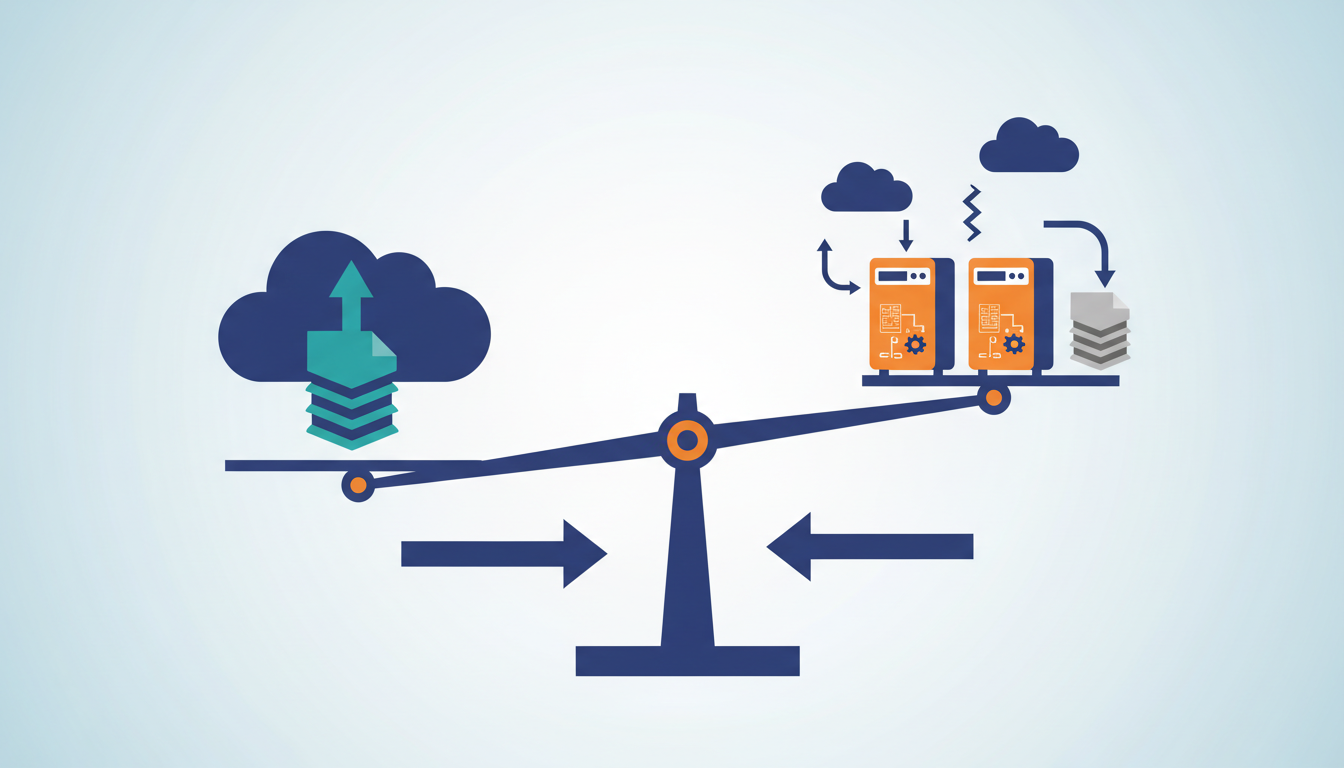
The absence of native unification in competing clouds necessitates data copying or complex gateway deployments. Operators using Google Cloud must accept the performance penalties inherent in user-space file system drivers. OCI users face similar hurdles without a managed alternative. Third-party solutions like cloud-native Qumulo bridge this gap across providers but add licensing overhead. The cost of maintaining separate file and object pools increases total expenditure beyond simple storage rates. Unified access reduces the operational surface area for security policy enforcement. Teams migrating from on-premises NetApp arrays find the AWS model aligns closer to existing hybrid architectures. The limitation remains vendor lock-in, as moving unified datasets to other clouds requires re-architecting the access layer entirely.
Implementing S3 Files for Unified Data Lakes and Migration Workflows
IAM Roles and amazon-efs-utils v3.0.0 Mount Requirements
Two distinct IAM roles must exist before NFS mounting succeeds. One role grants the file system access to the underlying bucket. The second authorizes compute resources to initiate mount sessions. Permission boundaries collapse without this separation, causing silent authentication failures during scaling events. Operators must install amazon-efs-utils version 3.0.0 or higher on target hosts to establish connectivity. This specific package release enables EC2 instances, ECS containers, and AWS Lambda functions to recognize S3 buckets as valid NFS targets. Legacy utility versions reject the mount string entirely, returning unsupported protocol errors that obscure the root cause. Network security groups require explicit rules allowing TCP port 2049 between clients and the mount target. DNS resolution within the VPC acts as a hard dependency. Disabling it breaks the initial handshake regardless of correct IAM policies. The operational gap lies in assuming object storage permissions translate automatically to file semantics. Administrators often configure bucket policies but neglect the compute role trust relationship, leaving workloads unable to resolve the file system endpoint. This misconfiguration stalls migration workflows until both identity layers align with the network path.

Apollo Tyres One-Day Migration and Zero Business Interruption
Shailender Gupta led a one-day migration to Amazon S3 File Gateway that eliminated business interruption for Apollo Tyres. This deployment proves that unified storage transitions can occur without the traditional multi-week staging phases required by legacy vendors. The architecture works with all the existing data in S3 buckets, removing the need to copy terabytes of object data into a separate file pool before access. Operators gain immediate NFS protocol support while retaining direct S3 API connectivity for analytics workloads. New files created via the S3 API appear on the mount point in approximately 30 seconds, balancing consistency with ingestion speed. Updates to known files propagate in 1.8 seconds, enabling rapid iteration for active engineering datasets without locking conflicts. The limitation remains that new object visibility latency makes this unsuitable for tight synchronous coupling between object writers and file readers. Teams must design workflows where the 30 seconds delay does not break downstream automation triggers.
| Workflow Type | Suitability | Reason |
|---|---|---|
| Batch Analytics | High | Latency tolerance matches sync window |
| Real-time Feed | Low | 30 seconds gap breaks continuity |
| Archive Access | High | No frequent write cycles |
This model shifts the operational burden from capacity planning to cache management, as unused data expires after 30 days of inactivity. Organizations facing resistance to change should highlight that the environment requires no application rewrites for NFS-based tools. The strategic advantage lies in eliminating data duplication while maintaining POSIX permissions for legacy software.
Regional Availability Verification and Consistency Timeline Validation
Confirm region support via the AWS Capabilities tool before initiating any mount sequence to avoid silent deployment failures. Operators must validate application tolerance against the specific 30 seconds delay for new object visibility on the NFS mount. Existing file updates propagate notably quicker, requiring only 1.8 seconds to reflect changes across connected clients. This divergence creates a narrow window where directory listings may not match immediate S3 API writes.
Workflows relying on immediate post-write verification from external systems will fail without built-in retry logic. The stage and commit model aggregates writes, meaning small, rapid modifications might not appear instantly even after the update window closes. Architects should isolate metadata-heavy operations from data planes to mitigate latency spikes during peak ingestion. Testing must explicitly cover the gap between S3 API confirmation and filesystem visibility. Ignoring this timing mismatch causes race conditions in automated pipelines that assume strong consistency immediately after PUT requests. Production readiness demands explicit handling of the new file visibility gap rather than assuming synchronous behavior.
Replication tolerance against the specific 30 secondshttps://www.theregister.com/2026/04/09/aws_s3_files_stress_test_corey_quinn/ remains a primary design constraint for distributed teams. Te notably quicker, requiring only 1.8 seconds to reflect changes across connected cli enables rapid iteration for active en. 1.8 Seconds NearRealTime Write Sync Back 60 Seconds Asynchronous Workflows relying on immed require careful architectural isolation to prevent data loss during peak loads.
About
Marcus Chen serves as a Cloud Solutions Architect and Developer Advocate at Rabata. Io, where he specializes in S3-compatible object storage and AI/ML data infrastructure. His deep technical background makes him uniquely qualified to analyze AWS's new S3 Files feature, as his daily work involves architecting scalable storage solutions that directly compete with substantial hyperscalers. Having previously engineered Kubernetes-native storage systems at Wasabi Technologies, Chen understands the critical nuances of bridging object storage with file access protocols like NFS. At Rabata. Io, a provider focused on delivering high-performance, vendor-lock-in-free alternatives to AWS, he actively helps enterprises optimize their data lake strategies. This article uses his frontline experience in balancing cost, performance, and compatibility to evaluate how AWS's move impacts the broader market for enterprise-grade storage and what it means for organizations seeking efficient data lake architectures.
Conclusion
Scaling this architecture reveals that metadata churn becomes the primary bottleneck, not raw throughput. As ingestion rates climb, the 30-second visibility lag compounds, causing downstream ETL jobs to stall or process incomplete datasets. The operational cost shifts from simple storage fees to the engineering hours spent debugging race conditions and implementing complex retry logic. While hybrid cloud strategies dominate 2026 roadmaps, treating object storage as a direct file system replacement without accounting for these asynchronous behaviors invites significant reliability debt. Teams must stop assuming strong consistency and start designing for eventual state.
Adopt this pattern only for read-heavy analytics workloads where data freshness tolerates a one-minute delay; do not use it for transactional systems requiring immediate write verification. If your pipeline demands sub-second consistency, maintain a dedicated block storage tier for active writing and sync to S3 asynchronously. Start by auditing your current data pipelines this week to identify any steps that verify file existence immediately after a write operation. Refactor these specific checks to include exponential backoff retry mechanisms before your next deployment cycle. This single change prevents silent data loss and aligns your application logic with the actual consistency guarantees of the underlying platform.
Frequently Asked Questions
Thousands of compute resources can connect to the same S3 file system simultaneously without duplicating data. This shared access enables clusters to work together while maintaining a single source of truth for all stored objects.
S3 Files works with all existing data in S3 buckets without requiring any data migration. Users can immediately access their current objects through the file system while keeping everything inside the S3 environment.
The service specifically supports NFS v4.2 and v4.1 protocols for accessing S3 data as a file system. Any NFS-based application or tool can now work with this data without needing any changes to its configuration.
Qumulo Cloud Native Qumulo has achieved more than a terabyte per second throughput using standard NFS clients. S3 Files delivers multiple terabytes per second of aggregate read throughput by caching actively used data for low-latency access.
Reports indicate that 54% of users now juggle three or more cloud providers, creating a need for consolidation. S3 Files addresses this by allowing native NFS access to S3 data without duplication across these complex environments.